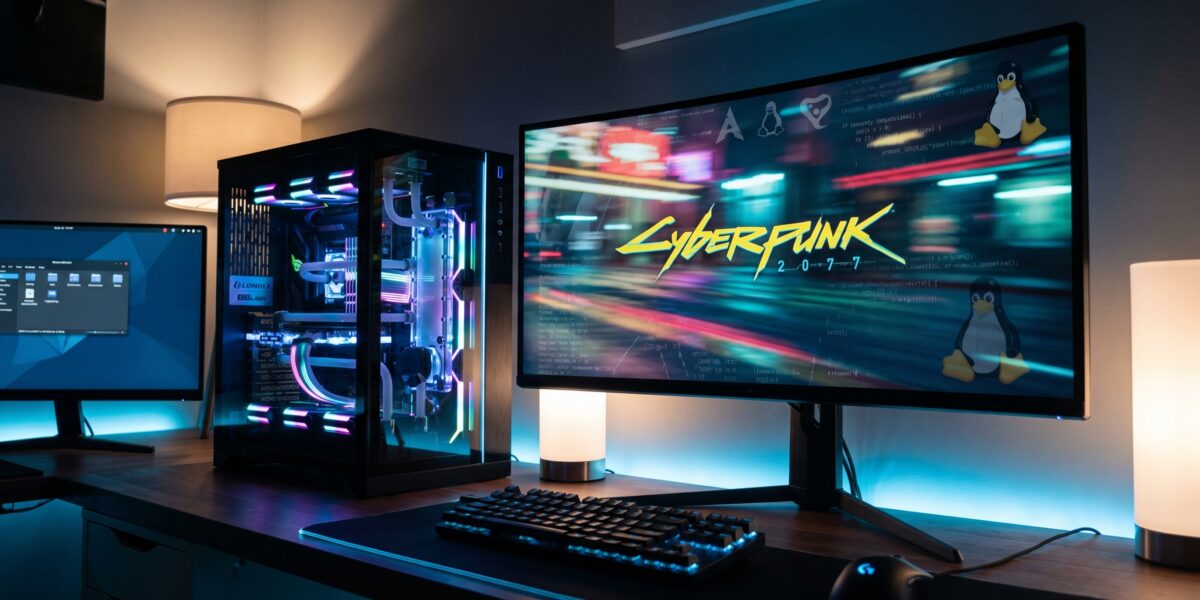
Linux gaming performance is surging due to the integration of Windows APIs directly into the Linux kernel, reducing translation overhead and delivering smoother, more stable gameplay for Windows titles on Linux systems.
TL;DR
- Windows synchronization APIs are now native in the Linux kernel via drivers like NTSYNC.
- Performance gains include higher FPS, reduced stuttering, and improved stability.
- Compatibility layers like Proton and Wine become more efficient with kernel support.
- Linux is now a viable high-performance gaming platform, especially on hardware like the Steam Deck.
- Now is the time to explore Linux gaming due to recent advancements and growing support.
Key takeaways
- Kernel-level Windows API integration drastically reduces emulation overhead.
- Games with heavy thread synchronization benefit most from these improvements.
- Proton and Wine are enhanced by kernel support, making them more efficient.
- Updating your system and using Steam Play is the easiest way to benefit.
- Linux gaming performance is now competitive with Windows for many titles.
What Is Linux Gaming Performance?
Traditionally, Linux gaming performance measured how well Windows games ran on Linux via compatibility layers like Wine or Proton. The main challenge was translation overhead—each Windows system call had to be intercepted, translated for Linux, and passed along, introducing performance penalties and instability.
The new approach integrates Windows APIs natively into the Linux kernel. Instead of translating requests, the kernel understands them directly, slashing overhead and boosting efficiency. This shift is akin to moving from a real-time interpreter to a native speaker.
Why Linux Gaming Performance Matters Right Now
This topic is gaining traction because the technology has matured significantly. Discussions on developer forums and news sites highlight a move from niche interest to mainstream viability.
- For Gamers: Enjoy better performance without switching to Windows, especially on devices like the Steam Deck.
- For Developers and Content Creators: Linux represents an expanding market with engaged users.
- For the Industry: Challenges Windows’ dominance, fostering competition and innovation.
These advancements are particularly relevant given the rise of open-source AI and computing platforms, as seen in developments like OpenAI’s cybersecurity initiatives, where performance and efficiency are critical.
How Windows API Integration Works: The NTSYNC Driver Explained
The breakthrough comes from implementing Windows APIs at the kernel level. The NTSYNC driver is a prime example.
Windows games use synchronization primitives (e.g., events, semaphores) to manage threads. Previously, Proton or Wine emulated these in userspace, which was slow and complex. Now, NTSYNC handles them natively in the kernel:
- Direct Implementation: The driver implements Windows NT synchronization logic within the kernel.
- Native Handling: Game synchronization calls pass directly to NTSYNC.
- Reduced Overhead: Eliminates context switches and emulation code, lowering latency and improving throughput.
In essence, the kernel now speaks a key part of Windows’ language fluently.
Real-World Examples and Performance Gains
Community reports and initial tests show clear improvements, especially for games relying heavily on synchronization.
| Game Scenario | Performance Before (Estimated) | Performance After (Estimated) | Improvement |
|---|---|---|---|
| Heavy thread synchronization | Stuttering, unstable framerate | Smooth, consistent framerate | Major stability gain |
| CPU-bound game | Lower FPS due to overhead | Higher FPS, near-native | 10-20% FPS increase |
| General gameplay | Occasional hitches | Reduced input lag | Improved responsiveness |
These gains translate to a better, more competitive gaming experience.
Proton vs. Wine: A Symbiotic Relationship
Understanding these tools is key:
- Wine: The foundational compatibility layer providing Windows APIs on Unix-like systems.
- Proton: Valve’s gaming-optimized distribution of Wine, with enhancements like DirectX 11/12 support via DXVK/VKD3D-Proton.
Kernel-level improvements benefit both, but most gamers encounter them through Proton on Steam.
Tools, Vendors, and Your Implementation Path
Benefiting from these advances is straightforward:
- For Gamers: Enable Steam Play in Steam Settings. Use rolling-release distributions like Arch Linux or SteamOS for fastest access to new kernels.
- For Developers: Test with latest Proton versions and stable Linux kernels. Engage with Wine and Proton communities for support.
Myths vs. Facts: Cutting Through the Noise
- Myth: “Linux gaming will always be slower than Windows.”
Fact: Performance is now on par or better for many games, thanks to reduced overhead. - Myth: “This only benefits a few obscure games.”
Fact: Synchronization APIs are fundamental to modern engines, impacting thousands of titles. - Myth: “You need to be an expert to set this up.”
Fact: Distributions like SteamOS and Pop!_OS integrate these advancements seamlessly.
Frequently Asked Questions
Do I need to install the NTSYNC driver myself?
No. It is included in mainline Linux kernels and will be available via system updates.
Will this make all my Windows games run perfectly on Linux?
It addresses major performance issues, but compatibility still depends on factors like anti-cheat support. Overall, the situation is much improved.
Is this only for AMD graphics cards?
No. These are CPU and kernel-level improvements, benefiting AMD, Intel, and NVIDIA systems equally.
Key Takeaways and Actionable Next Steps
Integrating Windows APIs into the Linux kernel is a game-changer, making Linux a preferred platform for many gamers.
The future of Linux gaming is about native integration, not emulation.
Glossary
- API (Application Programming Interface): A set of rules for software communication.
- Kernel: The core of an operating system, managing hardware-software interactions.
- NTSYNC: A Linux kernel driver implementing Windows NT synchronization APIs natively.
- Proton: Valve’s compatibility layer for running Windows games on Linux via Steam.
- Wine: A compatibility layer enabling Windows applications on Unix-like systems.