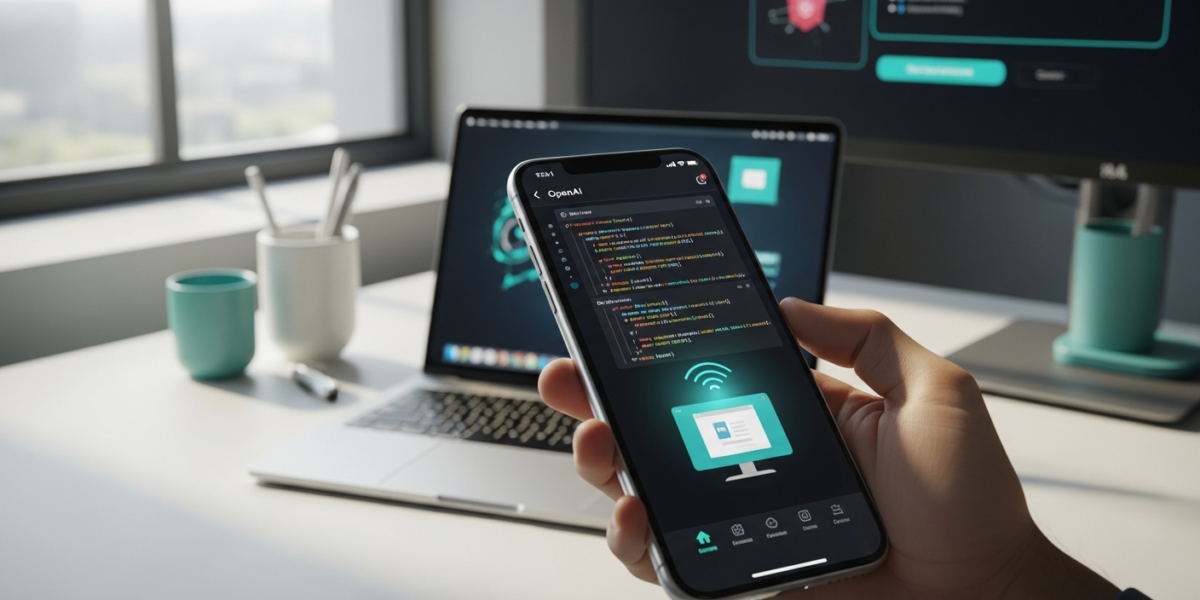
OpenAI has extended its Codex desktop AI tool, capable of writing code and controlling macOS applications, to the ChatGPT mobile app on iOS and Android. This move allows operators to remotely manage their Codex sessions and automate desktop tasks from their smartphones, signaling OpenAI’s aggressive push into mobile-driven AI agent control and a direct response to competitive pressures in the AI code-generation market, particularly from Anthropic’s Claude Code.
TL;DR: OpenAI’s Codex, a powerful AI for coding and desktop automation, is now remotely controllable via the ChatGPT mobile app for all users. This enables developers to manage coding sessions and macOS app interactions from their phone, accelerating OpenAI’s vision for a mobile-driven “superapp” and intensifying competition in AI code generation.
What actually happened
On , OpenAI announced the integration of its Codex AI tool into the ChatGPT mobile app, making it accessible on both iOS and Android devices [1, 4, 6]. This update allows users to remotely control Codex, which previously operated as a desktop AI tool for writing code and interacting with applications on a computer [1, 2]. The functionality is rolling out as a preview and is available to all ChatGPT users, including those on the Go and Free tiers [1, 3].
Codex’s core capability involves generating code and operating apps, with a recent major update enabling it to control macOS applications [1, 2]. The mobile integration means that developers and other power users can now initiate and manage these desktop automation tasks directly from their smartphones [5, 8]. This development positions the ChatGPT mobile app as a remote interface for a more powerful desktop AI agent, aligning with OpenAI’s broader ambition to create a desktop “superapp” [1].
OpenAI’s decision to rapidly deploy this feature comes amid heightened competition in the AI code-generation space, particularly following the rise in popularity of Anthropic’s Claude Code [1, 6]. The company has reportedly been streamlining its focus, cutting back on other projects like the Sora video-generation tool, to prioritize enterprise growth and core AI agent capabilities [1]. This mobile integration of Codex is a direct outcome of that strategic shift, addressing a long-standing request from Codex users for remote control capabilities [5].
The signal most coverage missed
While the immediate headline focuses on remote access to Codex for coding, the deeper signal here is OpenAI’s acceleration of a mobile-first, agentic AI strategy that extends beyond mere code generation. The ability for Codex to “use apps on your computer” and specifically “operate apps on macOS” [1] is not just about writing Python scripts; it’s about programmatic control over the entire desktop environment. By making this accessible via a mobile interface, OpenAI is subtly shifting the paradigm from a user-initiated prompt-response cycle to a more persistent, mobile-managed AI agent that can execute complex, multi-application workflows on a desktop. This isn’t just a convenience feature for developers; it’s a foundational step towards a future where a mobile device acts as the command center for a highly capable, autonomous AI assistant running on a more powerful machine. The “superapp” ambition mentioned by The Verge [1] isn’t just about consolidating OpenAI’s own services; it implies a future where the ChatGPT app becomes the primary interface for orchestrating a suite of AI agents, both local and cloud-based, to perform tasks across a user’s entire digital ecosystem. This move positions OpenAI not just as a provider of AI models, but as an orchestrator of AI-driven workflows, with the mobile phone as the ubiquitous remote control.
Evidence and counterarguments
The primary evidence for this development is OpenAI’s official announcement and its immediate rollout as a preview within the ChatGPT mobile app for all tiers [1, 3, 7]. Multiple reputable tech news outlets, including The Verge, 9to5Mac, Engadget, and The New Stack, corroborated the release on [1, 2, 3, 4]. These reports consistently highlight the remote access capability for Codex on macOS via iOS and Android devices, fulfilling a long-requested feature from the user base [2, 5]. The competitive landscape, with Anthropic’s Claude Code gaining traction, further supports the strategic timing of this release as a response to market dynamics [1, 6]. OpenAI’s internal focus on enterprise growth and streamlining projects also aligns with prioritizing a core, high-impact feature like mobile-enabled Codex [1].
A potential counterargument might suggest this is merely a minor convenience update, not a strategic shift towards mobile-driven AI agents. One could argue that developers primarily interact with coding tools from their desktop, and a mobile interface is a secondary, less critical access point. However, this view underestimates the implications of remote control for complex, multi-step automation. While a developer might write code on a desktop, managing long-running tasks, debugging, or initiating new workflows while away from the primary machine offers significant operational flexibility. The “operate apps on macOS” capability, as described by The Verge [1], goes beyond simple code generation; it implies a level of desktop interaction that benefits immensely from remote oversight and control. Furthermore, the fact that this feature is available across all ChatGPT plans, including free tiers [3], suggests a broader strategic play to onboard a wider user base into this agentic paradigm, rather than just catering to a niche of paying enterprise users.
Operator playbook
-
Within 7 days: Evaluate remote workflow integration. Download or update the ChatGPT mobile app on your iOS or Android device. If you’re a current Codex user, experiment with initiating and monitoring simple code generation or macOS automation tasks remotely. Identify specific, low-risk desktop workflows that could benefit from mobile oversight or activation, such as triggering a build, running a test suite, or compiling a report. Document any immediate friction points or unexpected behaviors.
-
Within 30 days: Prototype mobile-orchestrated automation. For engineering teams, designate a small project to leverage mobile-controlled Codex for a specific, repetitive desktop task. This could involve automating data extraction from a web browser on macOS, orchestrating a sequence of actions across different desktop applications, or managing a continuous integration/delivery pipeline. Focus on tasks where mobile oversight can reduce latency or improve responsiveness, freeing up desktop resources for more intensive work. Begin to assess the security implications of remote desktop control and establish best practices for access management.
-
Within 90 days: Develop agentic workflow strategies. Beyond simple remote control, explore how this mobile-enabled Codex can serve as an integral component of a larger “agentic” workflow. Consider scenarios where the mobile app acts as a lightweight interface for a more persistent, autonomous desktop agent. For example, can Codex monitor system logs on your macOS machine and alert you via the mobile app, allowing you to then remotely trigger a remediation script? Think about integrating Codex’s capabilities with existing mobile notification systems or other productivity apps to create seamless, cross-device automation chains. This is about moving from discrete tasks to mobile-managed, intelligent agents that enhance overall operational efficiency.
Sources
- OpenAI’s Codex is now in the ChatGPT mobile app | The Verge
- OpenAI brings Codex to ChatGPT for iPhone, iPad, and Android with these features – 9to5Mac
- OpenAI brings its Codex coding app to mobile – Engadget
- OpenAI brings Codex to the ChatGPT mobile app – The New Stack
- Codex users have been begging OpenAI for this upgrade — and it’s finally in the works
- OpenAI brings Codex coding tool to ChatGPT mobile app
- Work with Codex from anywhere | OpenAI
- OpenAI introduces Codex to ChatGPT mobile app