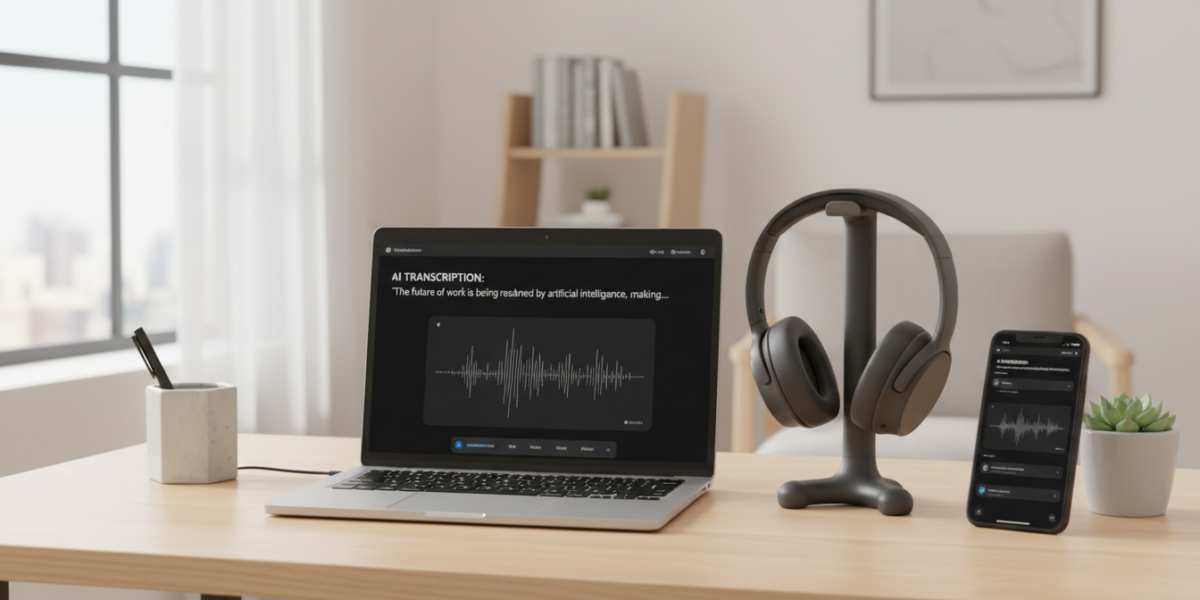
The best AI note-taking apps in 2026, such as Krisp AI, MeetGeek, Mumble AI, Otter, and Jamie AI, leverage advanced speech recognition and AI summarization to transcribe meetings, organize notes, and boost productivity across professional workflows.
Current as of: 2026-03-24. FrontierWisdom checked recent web sources and official vendor pages for recency-sensitive claims in this article.
TL;DR
- Krisp AI, MeetGeek, Mumble AI, Otter, and Jamie AI lead with real-time transcription and summaries.
- Free tiers available from MeetGeek and Otter for essential use.
- Multilingual support is standard, with tools like Mumble AI handling 100+ languages.
- Applications extend beyond meetings to legal, educational, and consulting fields.
- Integrate seamlessly with platforms like Zoom, Teams, and Notion.
- Accuracy is typically above 90%, with top-tier security and compliance features.
Key takeaways
- AI note-taking tools are essential for modern remote and hybrid work environments.
- They save significant time, reduce errors, and improve meeting outcomes.
- Selecting the right app depends on needs like language support, integrations, and budget.
- Implementation is straightforward with calendar sync and template customization.
- Always prioritize security and review AI output for accuracy.
What Are AI Note-Taking Apps?
AI note-taking apps use artificial intelligence to transcribe speech, summarize content, and organize information automatically. Unlike traditional note-taking, these tools function as autonomous assistants, capturing audio, identifying speakers, and generating structured outputs like action items and keyword tags. They are designed for meetings, lectures, interviews, and any scenario where spoken information needs accurate and immediate documentation.
Why This Matters in 2026
With remote and hybrid work now standard, professionals face an increased volume of virtual meetings—averaging over 11 per week. This surge creates risks of lost details, miscommunication, and time spent reviewing recordings. AI note-taking apps address these challenges by automating documentation, enabling users to focus on engagement and decision-making rather than note-taking. They are particularly valuable for fields like legal, medical, sales, and education, where precision and efficiency are critical.
How AI Note-Taking Apps Work
These apps integrate three core technologies: speech-to-text conversion, natural language processing, and AI-generated structuring. Speech-to-text engines like OpenAI’s Whisper process audio in real time with minimal latency. NLP extracts key topics, decisions, and action items, while AI structuring organizes transcripts into summaries and exportable formats. Tools typically integrate with calendars and platforms like Zoom or Slack, automating recording and sharing.
For example, during a product meeting, an app can record discussion, highlight decisions, assign action items, and push a summary to project management tools like Asana.
Top Real-World Use Cases
Remote Teams: Use Otter for sprint planning, sharing AI summaries in Slack to eliminate follow-up emails.
Legal Consultants: Rely on Mumble AI for multilingual client calls, ensuring accurate transcription and compliance.
Academics: Apply MeetGeek to tag and search lecture recordings, cutting research preparation time significantly.
Sales Professionals: Leverage Krisp AI to generate personalized follow-ups based on client call analysis, improving conversion rates.
Best AI Note-Taking Apps in 2026
Krisp AI: Best for noise cancellation and engagement, with emotion tone analysis and CRM integrations. Priced at $20/month.
MeetGeek: Ideal for budget users, offering a free plan with 5 hours of transcription monthly. Pro plan at $12/month.
Mumble AI: Excels in long meetings and multilingual support, featuring AI templates and 100+ language coverage. $18/month.
Otter: Top choice for enterprises and educators, with free and paid tiers, live collaboration, and LMS integrations.
Jamie AI: Focuses on customization and voice commands, allowing tailored templates for various workflows. $15/month.
Comparison: Features and Plans
| Feature | Krisp AI | MeetGeek | Mumble AI | Otter | Jamie AI |
|---|---|---|---|---|---|
| Real-Time Transcription | ✅ | ✅ | ✅ | ✅ | ✅ |
| Free Plan | ❌ | ✅ (5 hrs) | ❌ | ✅ (300 min) | ❌ |
| Multilingual Support | 50+ | 30+ | 100+ | 34 | 80+ |
| Zoom/Teams Integration | ✅ | ✅ | ✅ | ✅ | ✅ |
| Monthly Pricing | $20 | $12 (Pro) | $18 | $10 (Pro) | $15 |
Bottom line: Choose MeetGeek or Otter for free options, Mumble AI for language support, and Krisp or Otter for deep integrations.
How to Implement AI Note-Taking in Your Workflow
Start by selecting one app to test for two weeks. Connect it to your calendar and video tools for automatic meeting joins. Create custom templates for common scenarios like client calls or team meetings. Share outputs directly to collaboration platforms like Slack or Notion. Review and refine usage weekly to improve accuracy and relevance. This approach integrates AI notes seamlessly into daily routines, turning them into actionable team assets.
Career Leverage and Earning Potential
AI note-taking can free up 6–8 hours monthly by eliminating manual transcription. This time can be redirected to high-value tasks, skill development, or client engagements. Consistently delivering precise meeting recaps enhances your reputation for reliability and organization. Sales and consulting professionals use these tools to boost conversion rates through accurate follow-ups. Additionally, you can monetize AI note-taking skills by offering freelance services, selling templates, or leading corporate training sessions.
Risks, Myths, and Pitfalls
Myth: AI notes are always perfect.
Fact: Accuracy ranges from 85–94%; review is essential.
Myth: These tools violate privacy.
Fact: Reputable apps require consent and comply with regulations like GDPR.
Risks: Over-reliance on AI may lead to disengagement. Ensure data is stored securely and integrations are managed to avoid overload.
Frequently Asked Questions
Can AI note apps work offline?
Most require internet for real-time processing, though some offer limited offline recording.
Do they work for in-person meetings?
Yes, using mobile apps to record conversations.
Are they compliant with HIPAA?
Some, like Krisp AI and Otter Business, offer compliant plans.
Which app works best with Notion?
Otter and Jamie AI provide direct Notion sync for automated note storage.
Glossary
AI Note-Taking App: Software that uses AI to transcribe and summarize spoken content.
Real-Time Transcription: Immediate conversion of speech to text during delivery.
Speaker Diarization: Identifying and separating speech by individual speakers.
Multilingual Support: Ability to process and translate multiple languages.
References
- Krisp AI. (2026). Official Website
- MeetGeek. (2026). Pricing and Features
- Mumble AI. (2026). Product Page
- Otter. (2026). Business Plans
- Microsoft Work Trends. (2026). Remote Work and Meeting Volume Report.